MP3 vs WAV vs Trackouts: Which Beat Files Should You Buy?
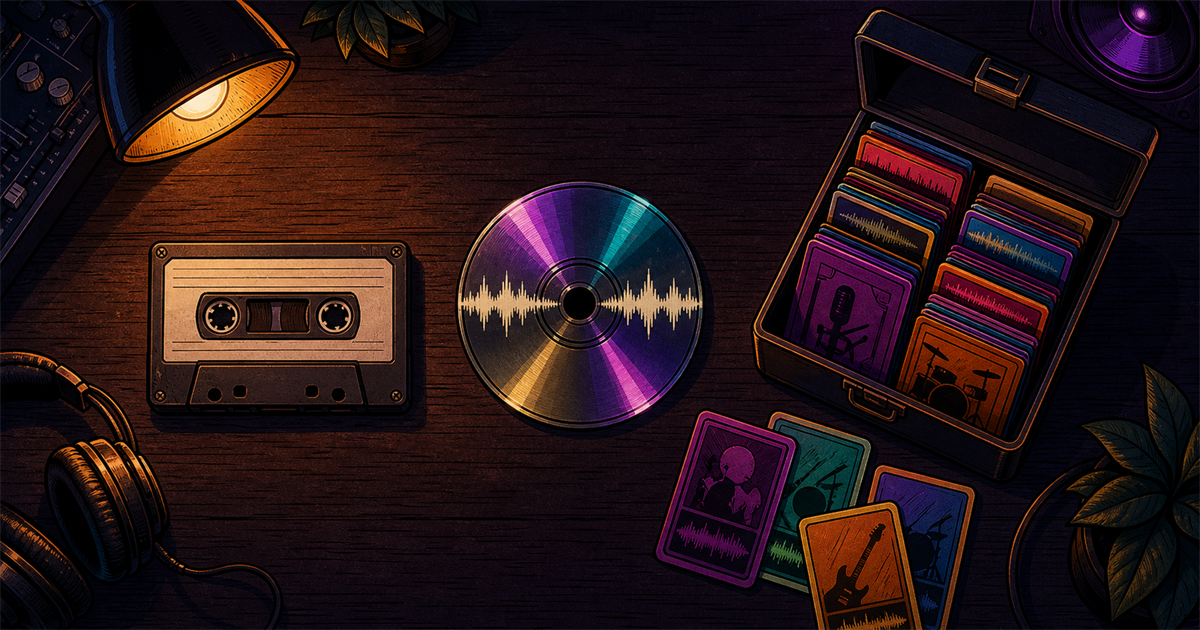
If you are buying a beat and the checkout asks you to choose MP3, WAV, or trackouts, here is the quick answer: MP3 is fine for writing and demos, WAV is the minimum for a serious release, and trackouts are best when you want a professional mix.
The file choice matters because it affects sound quality, mix control, and sometimes the rights included in your license. A $30 MP3 lease and a $150 trackout lease are not only different files. They usually come with different usage limits.
Quick Answer: Which Format Should You Buy?
| Format | When to buy it | Typical price range | Main limitation | |---|---|---:|---| | MP3 | Writing, demos, freestyles, rough uploads | $25-$50 | Compressed audio, limited mix quality | | WAV | Serious streaming release, clean two-track mix | $50-$100 | Beat is still one stereo file | | Trackouts | Professional mixing, arrangement changes, sync, bigger releases | $100-$250+ | Costs more, larger file delivery |
If you are releasing to Spotify, Apple Music, YouTube Music, or a distributor, buy at least WAV. If you are paying a mix engineer and want the vocal to sit properly inside the beat, buy trackouts.
MP3: When It Is Enough
MP3 is a compressed file. It is designed to sound good while keeping the file size small. That makes it useful for previewing beats, writing songs, sending quick demos, or testing ideas in your phone or DAW.
MP3 is enough when you are writing lyrics, recording a rough demo, practicing flows, posting a low-stakes freestyle, or not paying for a professional mix.
The problem is that MP3 compression removes audio information. Once that information is gone, your engineer cannot bring it back. If you record vocals over an MP3 beat, the final mix can still be usable, but it starts with a ceiling. High frequencies can feel smeared, transients can lose punch, and mastering has less clean material to work with.
For a first draft, MP3 is convenient. For a release you care about, it is usually the wrong place to save money.
WAV: When It Is Worth the Upgrade
WAV is uncompressed audio. It gives you a cleaner, fuller two-track version of the beat. Most distributors and platforms accept WAV, and professional engineers strongly prefer it over MP3 for mixing and mastering.
Professional delivery still revolves around lossless source files. Spotify for Artists says it strongly prefers FLAC and also accepts WAV when the file is stereo, 44.1kHz or higher, and 16-bit or higher. Apple Digital Masters requires approved lossless formats at 24-bit resolution, with accepted sample rates including 44.1, 48, 88.2, 96, 176.4, and 192kHz. For beat buyers, the practical translation is simple: do not buy an MP3 if the song is meant for a real release.
WAV is worth it when the song is going to streaming platforms, you are paying for mixing or mastering, you want the beat to survive compression on streaming platforms, you need a cleaner master, or the price difference from MP3 is small. On Plutony Beats, I would rather an artist buy a WAV or trackout tier for one strong single than buy five MP3 leases for songs they plan to distribute.
A WAV beat is still a stereo file, though. The engineer can EQ it, compress it, widen it, filter it, and carve space around the vocal, but they cannot turn down only the hi-hat or mute only the piano. That is where trackouts come in.
What About FLAC?
FLAC is a lossless compressed format. It can preserve the same audio information as WAV while using less storage, which is why some platforms prefer it for delivery. Beat stores usually deliver WAV because every DAW and mix engineer handles it easily. If you receive a true FLAC file, it is not worse than WAV; it is just less common in beat licensing packages.
Trackouts: What They Are and When You Need Them
Trackouts are the individual audio files that make up the beat. Some producers call them stems, but in beat-selling language "trackouts" usually means separated instrument tracks: kick, snare, hi-hats, 808, bass, main melody, counter melody, samples, FX, and sometimes hook/verse arrangement elements.
A trackout pack might include files like Kick.wav, Snare.wav, HiHats.wav, 808.wav, Bass.wav, Piano.wav, Guitar.wav, Strings.wav, and FX.wav.
When your engineer has those files, they can mix the beat around your voice instead of mixing your voice on top of a finished wall of sound. If the hi-hat clashes with your S sounds, they can lower it. If the 808 fights your vocal low end, they can EQ it separately. If the melody is too loud during the verse, they can automate it down.
Trackouts are worth buying when you are hiring a real mix engineer, your vocal needs space in a busy beat, you want radio-ready polish, you need custom arrangement changes, you plan to pitch sync or serious placements, or the beat is important enough to invest in.
They are not always required. A good engineer can make a strong mix from a clean WAV two-track, especially if the beat is well produced and leaves vocal space. But trackouts give the engineer more control and usually lead to a better result.
Stems vs Trackouts: The Practical Difference
People use "stems" and "trackouts" interchangeably, but they are not always the same thing. In traditional audio work, stems are grouped files: drums stem, music stem, bass stem, vocals stem. Trackouts are more detailed individual tracks.
For beat buying, do not argue about the word. Ask what is included. If the license says "stems," check whether you are getting grouped stems or full trackouts. The useful question is simple: can the engineer control drums, bass, melodies, and FX separately?
How File Format Ties to License Tier
Beat stores often attach file formats to license levels. A basic license may include MP3 only. A standard license may include WAV. A premium license may include trackouts. Unlimited and exclusive licenses usually include the best files.
That is why the cheapest option can become expensive later. If you buy MP3, record the song, then decide you need WAV or trackouts, you may have to upgrade. If the song starts performing, the producer may raise the exclusive price or the beat may sell to someone else.
Before buying, read the license page. Check MP3, WAV, or trackouts included; stream and sales limits; Content ID rules; whether files are tagged or untagged; whether upgrades are available; and whether the license expires.
For a broader rights breakdown, read Beat Licensing 101.
Common Mistakes When Choosing Format
The first mistake is releasing a serious song from an MP3 because it was cheaper. If you already plan to distribute, buy WAV.
The second mistake is buying trackouts for every idea. If you are still writing and testing, MP3 or WAV may be enough. Save trackouts for songs that deserve a professional finish.
The third mistake is sending your engineer messy files. If you buy trackouts, keep the original folder structure, do not rename files randomly, and include the BPM and key if available.
The fourth mistake is assuming trackouts fix a bad performance. Better files help the mix, but they cannot rescue weak recording, bad timing, or a hook that does not work.
Decision Flow: What Should You Buy?
If you are only writing or practicing, use MP3.
If you are releasing the song and mixing it yourself, buy WAV.
If you are sending the song to an engineer, ask the engineer first. If they can work with a clean two-track, WAV may be enough. If they want full control, buy trackouts.
If you are planning a major single, music video, label pitch, sync pitch, or paid campaign, buy trackouts or a higher-tier license from the start.
If you are still choosing the beat, test-record before purchase. The format does not matter if the beat does not fit your voice. Use How to Record Professional Vocals at Home and Mixing Vocals at Home to make sure the vocal side is ready too.
The cleanest buying rule is this: MP3 for ideas, WAV for releases, trackouts for professional mixing. When you are ready, browse Plutony Beats instrumentals with WAV and trackout options here: shop beats for your next release.
FAQ
Is WAV better than MP3 for beats?
Yes for releases. MP3 is compressed and convenient for writing, but WAV gives your engineer and master a cleaner source. If the song is going to streaming platforms, buy at least WAV.
Do I need trackouts to mix my song?
Not always. A good engineer can mix vocals over a clean WAV two-track. Trackouts become more important when the beat is busy, the vocal needs detailed space, or the song is a serious single.
Can I convert MP3 to WAV after buying?
You can convert the file, but you cannot recover the audio detail MP3 compression already removed. A converted WAV is just a larger file containing the same compressed source.
What sample rate and bit depth should beat files be?
For most releases, 44.1kHz or 48kHz WAV at 24-bit is a strong standard. At minimum, avoid anything below 44.1kHz or 16-bit for release delivery.
How big are trackout files?
They are much larger than MP3 or a single WAV. A trackout pack can be hundreds of megabytes or more because it includes many separate WAV files for drums, bass, melodies, and effects.
Found your sound?
Browse premium beats crafted for artists like you.
Tags
Related Posts
Free Beats vs Paid Beats: The Real Difference (And When Free Costs You)
Are free beats really free? When you can use them safely, when they will cost you, and how a smart hybrid strategy keeps your releases clean.
How Much Does a Beat Cost in 2026? Real Pricing Breakdown
Beat prices in 2026: real numbers from $25 leases to $5,000 exclusives, plus 7 factors that change the price and how to spot a bad deal.
How to Buy Beats Online Safely: Avoiding Scams in 2026
Buying beats online in 2026: a 9-point safety checklist, how to verify a producer, and what a real exclusive license must include.