Mixing Vocals at Home: The Essential Chain for Rappers
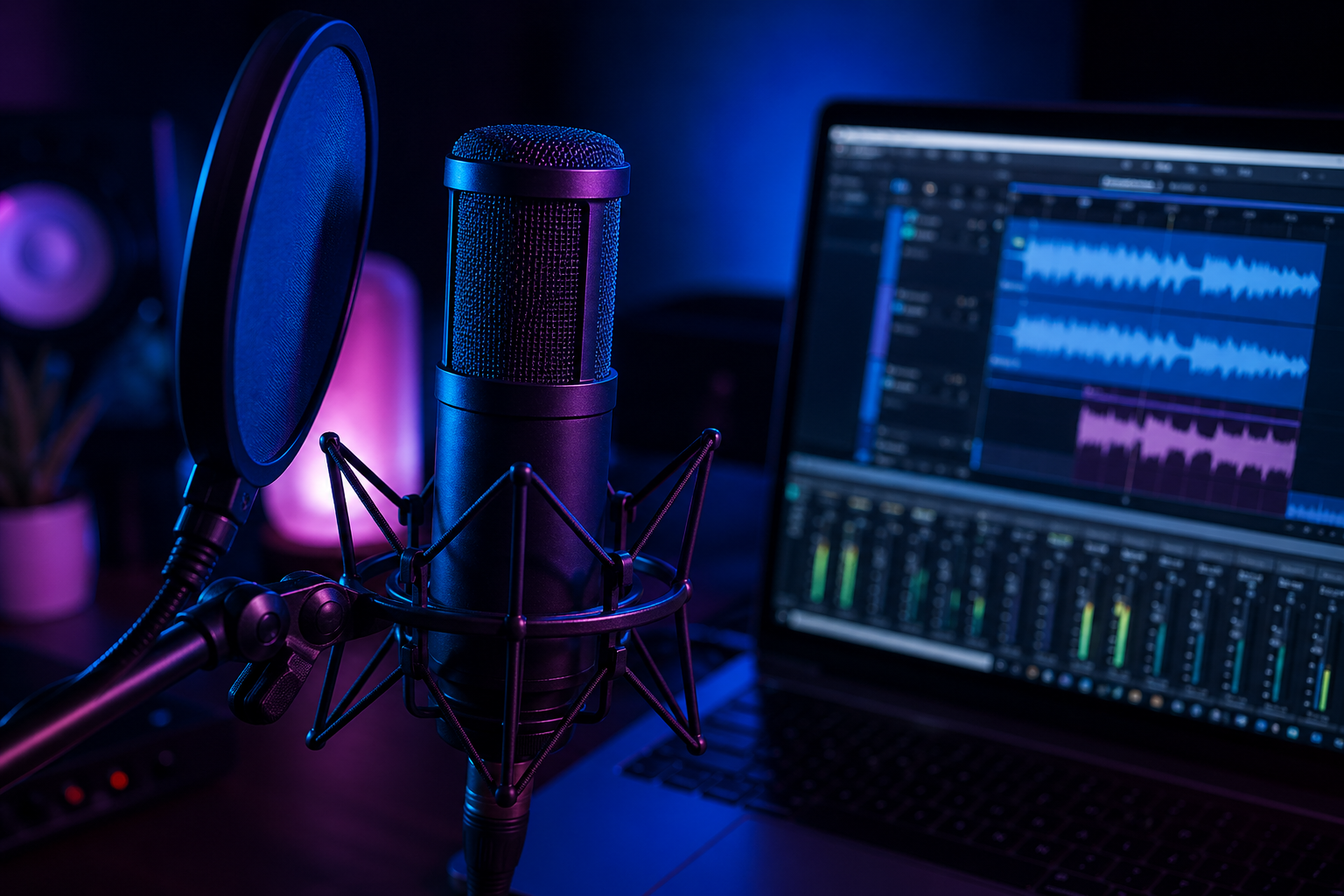
Your beat sounds incredible. You recorded your verses. You hit play and... the vocals sit on top of the beat like oil on water. They don't blend, they don't punch, and they definitely don't sound like the tracks on your playlist. This is the exact moment where home studio vocal mixing separates the amateurs from the artists who sound like they walked out of a professional session.
Here is the truth experienced engineers repeat constantly: most of a vocal mix's quality comes from the initial recording stage. No plugin can save a bad take recorded in an untreated room. But once you have a solid recording, the right vocal chain rap technique transforms raw audio into something polished, present, and powerful. Let's walk through the entire process step by step.
Gain Staging: Getting Your Levels Right
Before you even think about plugins, you need to get your foundation right. Gain staging is the unglamorous but critical first step that separates a clean mix from a muddy one.
When you record, aim for an average level around -18dB with peaks around -6dB. This gives your plugins the headroom they need to work properly. If your signal is too hot going in, compressors and saturators will behave unpredictably, introducing unwanted distortion before you've even started shaping the sound.
Once you have your recorded take, spend time on what professionals in 2026 call "mix prep." This means manually cleaning the take before any processing. Use clip gain to level out loud breaths, harsh plosives, and inconsistent syllables. Remove background noise, clicks, and dead air between phrases. Tools like iZotope RX 12, LANDR ReHance, and other repair plugins can help reduce room echo, hum, clicks, and noise from bedroom recordings, but they work best as cleanup tools, not as substitutes for a better recording. This manual editing step is the single biggest difference between amateur and professional home mixes. After cleanup and clip gain, place pitch correction early if the vocal needs it. Use Antares Auto-Tune for an audible hard-tune effect, Melodyne for surgical transparent edits, or MAutoPitch if you need a free starting point. Then move into EQ and compression. When compressors and reverbs process a clean, tuned signal, they enhance the vocal. When they process a dirty one, they amplify every flaw.
EQ for Vocals: Cutting Mud and Adding Clarity
Equalization is where you carve out space for your voice in the mix. The key principle here is subtractive first, additive second. Always cut bad frequencies before boosting good ones.
Start with a High-Pass Filter set around 80 to 100Hz. This removes low-end rumble, mic stand vibrations, and room resonance that you can't even hear clearly but that eats up headroom and muddies the low end. Next, do a slow frequency sweep through the 300 to 500Hz range. This is where "boxiness" lives, that cardboard-like quality that makes home recordings sound amateurish. A gentle cut of 2 to 3dB in this zone opens the vocal up immediately. Check the 1 to 2kHz range for nasal honkiness as well.
For your subtractive EQ, a tool like FabFilter Pro-Q is the gold standard because of its visual interface and surgical precision, though pricing changes by version and sale. But if you're on a budget, TDR Nova is a free dynamic EQ that genuinely rivals paid plugins for controlling problematic frequencies.
Save your additive EQ for later in the chain. After compression and saturation, you can boost the air frequencies at 10kHz and above with a gentle high shelf. This gives the vocal that modern, expensive sheen you hear on professional rap records. Modern rap mixing often involves carving some space out of the instrumental midrange so the vocal's warmth and detail can dominate the mix.
Compression: Controlling Dynamics Without Killing Emotion
Here's where most home mixers go wrong. They slap one compressor on the vocal with a massive ratio and a low threshold, and the result is a lifeless, squashed performance that sounds like it's being strangled. The professional approach is serial compression, using two compressors in sequence with each doing a moderate amount of work.
Your first compressor should be an 1176-style with a fast attack. This catches the aggressive peaks and transients, the loud consonants and sudden bursts of energy in a rap delivery. Set it to achieve around 3dB of gain reduction. You're not trying to flatten the performance; you're just taming the loudest moments.
Your second compressor should be an LA-2A-style optical compressor with a slower, more gentle response. This smoothly levels the overall vocal, "gluing" the performance together so it feels consistent from bar to bar. Together, these two compressors achieve transparent, natural-sounding dynamic control that a single compressor simply cannot match.
If your vocals sound small even when they are loud, the problem is often not volume — it is uncontrolled dynamics. Splitting the compression into a fast peak catcher and a slow leveler can make the vocal feel bigger without crushing the performance. If you are on a zero budget, your DAW's stock compressors handle this technique perfectly. The Analog Obsession plugin suite also offers free emulations of classic hardware compressors.
De-essing and Sibilance Control
Once you've compressed the vocal and plan to boost the high frequencies, you absolutely need a de-esser in your chain. Without one, every "S" and "T" sound will become a piercing, painful spike that ruins the listening experience on earbuds and phone speakers.
Place the de-esser after your additive EQ boost. It should target the sibilant frequency range, typically between 5kHz and 10kHz, and gently clamp down only when those harsh sounds appear. You want to tame them, not eliminate them entirely. Over-de-essing makes a vocalist sound like they have a lisp.
A more advanced approach that many engineers use is oeksound soothe2, which sits around the premium-plugin price range and is worth checking at current pricing before buying. Unlike a traditional de-esser that targets a fixed band, soothe2 dynamically analyzes the entire frequency spectrum and automatically suppresses harsh resonances wherever they appear. It's become a staple in modern vocal chains because it handles sibilance, resonance, and harshness without killing the life of the performance.
Reverb and Delay: Adding Space Without Drowning
The number one rookie mistake in vocal mixing is putting reverb directly on the vocal track and cranking the mix knob. This pushes the vocal to the back of the mix, making it sound distant and washed out. The professional technique is parallel processing using auxiliary send tracks.
Create a separate bus for reverb and another for delay. Send your dry vocal to these buses at whatever level sounds natural. The crucial step is to EQ the reverb return: cut the lows below 200Hz and the highs above 8kHz on the reverb bus itself. This prevents the reverb from muddying up the low end or creating harsh reflections in the highs. Your lead vocal stays dry, present, and upfront while the reverb fills the space around it.
For delay, use a short slapback or micro-shift to add width and dimension. A powerful technique is delay ducking, where you sidechain the delay to the lead vocal signal. When you're rapping, the delay ducks out of the way. In the gaps between phrases, the echoes swell in to fill the space. This keeps the vocal crystal clear during delivery while adding movement and depth between lines.
On a zero budget, Valhalla Supermassive is a free plugin that delivers stunning reverb and delay effects. For anyone working with downloaded beats, remember that many MP3 beats from YouTube are already mastered loud and may be brick-walled. You often have to carve a pocket out of the beat around 1 to 3kHz so your vocal has somewhere to sit; otherwise you are laying vocals on top of a wall of sound. A properly licensed beat with WAV or trackouts gives you much more control, which is why Plutony Beats Premium and Trackout options matter when you want the vocal to sit professionally.
Common Mistakes Beginners Make
After everything we've covered, let's address the mistakes that trip up nearly every home mixer at some point.
Trying to fix a bad recording is the most common trap. If you recorded in a square closet with bare walls, your vocals will sound boxy and reverberant no matter what plugins you use. No EQ will magically transport you to Abbey Road. Invest in basic acoustic treatment first, even thick blankets draped around your microphone make a noticeable difference.
Mixing in solo is another dangerous habit. You might spend hours perfecting the vocal while it's soloed, only to unmute the beat and find the vocal disappears completely. Always make your final adjustments in the context of the full mix. The vocal doesn't need to sound perfect alone; it needs to sound perfect with the beat.
Ignoring volume automation is the sign of a mixer who relies entirely on compressors. Manual volume automation, riding the fader to even out quiet verses and loud hooks, gives you a consistent foundation that compressors simply refine rather than overwork. Spend ten minutes drawing automation before you reach for any plugin and your entire mix will sit better.
Finally, don't skip pitch correction just because you think your performance was good enough. If you skipped pitch correction earlier, do not treat it as an afterthought at the end of the mix. Use Antares Auto-Tune for the modern hard-tune effect, Melodyne for transparent surgical correction, or MAutoPitch for basic free tightening, then continue into the rest of the chain with intention. Even subtle correction tightens a performance in ways you'll feel more than hear. If budget is a concern, MeldaProduction MAutoPitch is completely free and handles basic pitch correction for rap vocals surprisingly well.
The vocal chain does not have to be expensive to sound professional. With free tools like TDR Nova, MAutoPitch, Analog Obsession compressors, and Valhalla Supermassive, you can build a complete chain that costs nothing. What matters is understanding the signal flow: clean the take, correct the pitch, cut the bad frequencies, compress in stages, add warmth, boost the air, de-ess, and send to parallel effects. Follow this order, trust your ears over your eyes, and your home studio vocal mixing will level up dramatically.
The best test is a real song. Choose a Plutony Beats instrumental, record a clean vocal, and run this chain against the full beat instead of mixing in solo. If the vocal sits clearly without fighting the instrumental, you are not just using plugins — you are building a record.
Found your sound?
Browse premium beats crafted for artists like you.
Tags
Related Posts

How to Record Professional Vocals at Home
Record professional vocals at home: mic technique, room treatment, gain staging, and the signal chain that makes bedroom takes sound studio-quality.
Autotune for Beginners: When and How to Use It
Learn how autotune works, how to dial in the right settings for rap vocals, and when using it will actually hurt your sound.
How to Record Doubles, Adlibs, and Backing Vocals
Learn pro techniques for vocal doubles, adlibs, and backing vocals — the layers that make rap tracks sound polished, wide, and full.