How to Record Doubles, Adlibs, and Backing Vocals
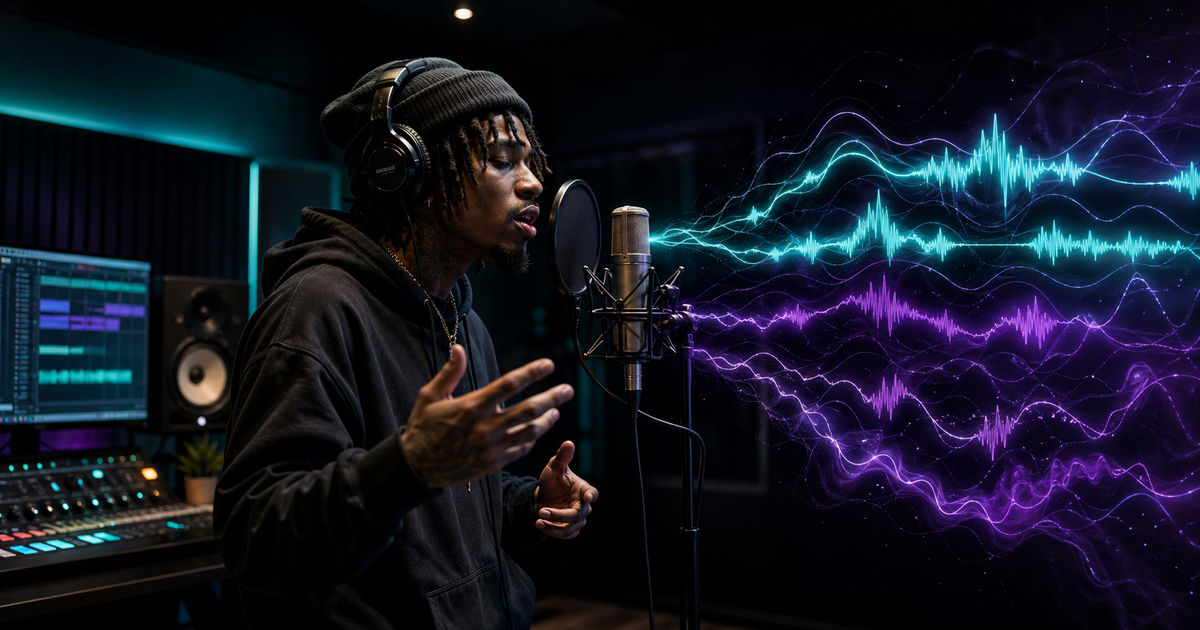
A raw lead vocal can carry the emotion of a song, but it rarely creates the full record by itself. The depth you hear on polished rap vocals usually comes from layers: tight doubles, controlled adlibs, and backing parts that make key lines feel wider, louder, and more expensive without turning the mix into chaos.
The difference is not about recording dozens of random tracks. It is about knowing which layer has a job, when to keep it quiet, and when to let it explode. This guide shows how to record those layers deliberately, so your vocals sit with the kind of professional instrumentals you find in the Plutony Beats catalog.
What Are Doubles and Why They're Essential
Most listeners can't explain why a rap vocal sounds "professional," but they feel it immediately. That thickness, that presence, that sense that the voice is filling the room — almost always comes from a technique called vocal doubling. When you record your lead vocal, then re-record the same performance a second time and layer the two tracks together, your voice gains a natural width and solidity that no single-track vocal can replicate.
The science behind it is simple. No two performances are perfectly identical. Even if you nail every word and every inflection, the microscopic timing and pitch differences between takes create what engineers call a "chorus effect" — a subtle shimmer that makes vocals sound bigger, warmer, and more three-dimensional. This is why a huge amount of modern rap uses some version of a chorus stack: a lead, a first double, and sometimes a second double on top of that.
Doubles are not a shortcut. They are a fundamental part of professional vocal production, and learning to record them well is one of the highest-leverage skills you can develop as an artist. In professional vocal sessions, tight doubles are consistently what separates a rough demo from a polished track ready to compete on streaming platforms.
Techniques for Recording Tight Doubles
The most common mistake artists make with doubles is treating them like a regular overdub — hitting record and hoping the second take lines up. Tight doubles require a specific mindset and deliberate habits from the moment you press record.
Start with your lead vocal locked in and sounding exactly how you want it. Put on headphones, pull the lead vocal down slightly in your mix to around 70–80% volume, and record your double while listening to both. Your goal is not to shadow the lead note-for-note like you're copying from a script. You want to perform with the same energy, the same breath, the same pocket. The natural inconsistencies will do the work — you just need to keep timing tight, especially on hard consonant sounds like S, T, P, and K. Sloppy consonants are the first thing that makes a double sound amateurish, because those transients smear across each other and create a muddy, washy mess rather than clean, wide thickness.
A technique used by top engineers is the "under-pronunciation" method for consonants. Intentionally soften those hard sounds on your double — don't hiss the S's, don't pop the P's. When you mix the two tracks together, the lead carries those consonants with full force, and the double adds body and width without the clutter. The result sounds cleaner and tighter than two fully-pronounced takes ever would.
Once recorded, time-align your double to the lead. Even a 20 millisecond offset can cause phase issues and make the combined vocal sound hollow or produce a slapback-echo effect rather than true thickness. You can do this manually in your DAW by zooming in and nudging the double track until the waveforms align. If you want to eliminate that tedious process, VocAlign Standard and VocAlign Pro are dedicated alignment tools built for tightening doubles and backing stacks quickly; check the current tier and price before buying because Synchro Arts updates its product line. For an automatic width effect rather than true re-recorded doubling, iZotope Vocal Doubler is free and delivers surprisingly good results as a starting point for any budget level.
Adlib Styles: From Travis Scott to Drake
Adlibs are one of the most expressive elements in rap, and also one of the most misunderstood. They are not afterthoughts, random outbursts, or filler. The best adlibs in the world — from Travis Scott's high-pitched "skrrt" to Drake's low, murmured affirmations — are carefully constructed atmospheric textures that reinforce the emotional tone of the lead vocal.
There are two main types of adlibs worth understanding. Reactive adlibs respond directly to what the lead vocal just said. If the lead says "I worked my way up from nothing," a reactive adlib might be a soft "yeah" or "mmm" in the background — a conversational confirmation that makes the listener feel like they're witnessing a real moment rather than a performance. Textural adlibs are more ambient: long, breathy hums, pitched-up harmonics, or trailing phrases that create a sonic environment around the lead rather than commenting on it.
Recording adlibs well means listening to your finished vocal and recording live on a separate track, letting the feeling guide what comes out. Don't script every adlib in advance. Let the energy of the lead performance tell you what it needs. Then in post-production, you shape and process. One widely-used technique is the "ghost" method: route your adlibs to a reverb bus set to 100% wet with heavy compression applied. The result is an adlib that feels present in the room but doesn't compete with the lead — it becomes more of an atmospheric layer than a distinct vocal element. Another popular processing choice is the telephone EQ, a bandpass filter that rolls off everything below 400Hz and above 4kHz. This gives the adlib a lo-fi warmth that sits deep in the mix without crowding the frequency space of the lead. This kind of heavy, filtered processing is common in the atmospheric trap lane associated with artists like Travis Scott.
The most common mistake artists make with adlibs is over-recording. More adlibs do not make a track feel more energetic — they make it cluttered. Record freely, without restraint, to capture as many options as possible. Then edit brutally. The adlibs that survive to the final mix are usually a small fraction of what was recorded, and that ruthlessness is what makes them hit.
Stacking Backing Vocals for Depth
Backing vocals are distinct from doubles and adlibs. They are harmony parts, textural layers, or call-and-response elements that add musical depth to the arrangement. Not every rap track needs them, but when used intentionally, stacked backing vocals can give a song a cinematic, anthemic quality that carries emotional weight far beyond what the lead vocal alone can deliver.
The simplest effective approach is the harmonic stack: record your lead vocal, then record the same line a third above the lead, and again a third below. Hard-pan the high harmony to the left, the low harmony to the right, and keep the lead centered. Apply a high-pass filter on both harmonies at around 200Hz to cut low-end mud, and add a slight notch cut wherever the harmonies clash with the lead — usually somewhere between 1kHz and 3kHz depending on the vocalist's fundamental frequency. The combined result is a full, wide backing vocal layer that reinforces the lead without burying it.
Soundtoys MicroShift is a powerful creative tool for adding instant stereo width to backing vocal layers, usually listed around $99 before sales. It uses pitch modulation and time-based delays to spread a single layer across the stereo field without requiring multiple re-recordings — useful when you want texture without spending another hour at the microphone. For a free alternative, iZotope's Vocal Doubler handles this function cleanly and is worth having in any producer's toolkit.
Use backing vocal stacks strategically rather than throughout the entire track. A sudden full stack entering on a key line mid-verse can be a powerful emotional escalation — but only because the verse around it has been restrained. If every bar of a song is stacked from start to finish, the listener's ear adjusts and nothing feels special when it needs to land hardest.
Mixing Multiple Vocal Layers Together
Once your lead, doubles, adlibs, and backing vocals are recorded, the mixing challenge is managing hierarchy. The lead vocal must always sit on top, and every other layer must serve it rather than compete with it. This sounds obvious, but it's easy to lose perspective when you're deep in a session and every individual layer sounds strong in isolation.
The most effective organizational approach is a dedicated bus structure. Route your lead vocal to one bus, your doubles to another, your adlibs to a third, and your backing vocals to a fourth. This lets you control the overall vocal balance with a few faders rather than dozens of individual tracks, and it lets you apply group processing — compression, EQ, saturation — to entire layers at once for a more cohesive sound.
A standard processing approach for doubles is to make them darker and narrower than the lead. High-pass them at 200Hz, low-pass them around 10kHz, and pan them hard left and right. The lead stays fuller and brighter in the center, while the doubles add width without crowding the frequency range where the lead needs to punch through. Adlibs should sit further back in the mix — use reverb and delay to push them into the room, and automate their fader so they rise during verses and pull back slightly during the most important hook moments rather than competing for attention.
Mono compatibility is worth checking throughout the process. When you have four or five vocal layers, phase issues can accumulate and cause the combined vocal to sound thin or hollow when collapsed to mono — which still matters for phone speakers, smart speakers, and countless everyday listening scenarios. Check your mix in mono regularly, and if a layer disappears or sounds hollow, investigate the phase relationship between that layer and the lead. A simple polarity flip or slight nudge in timing often resolves it immediately.
Recording tight doubles, crafting purposeful adlibs, stacking backing vocals with intention, and mixing all of those layers with discipline — this is the vocal production process that defines the difference between a track that sounds like it was recorded in a bedroom and one that sounds like it belongs on a major label playlist. Every element of it is learnable. For the next session, pick a Plutony Beats instrumental, record one lead, two doubles, and three focused adlib passes, then mute every layer and bring them back one by one until the hook feels bigger without getting crowded.
Once these techniques become second nature, you will hear them in every record you love. For the mixing stage, pair this workflow with the guide to mixing vocals at home, because good layers only become release-ready when the balance, EQ, compression, and space are handled with the same discipline.
Found your sound?
Browse premium beats crafted for artists like you.
Tags
Related Posts
How to Record Professional Vocals at Home
Record professional vocals at home: mic technique, room treatment, gain staging, and the signal chain that makes bedroom takes sound studio-quality.
Autotune for Beginners: When and How to Use It
Learn how autotune works, how to dial in the right settings for rap vocals, and when using it will actually hurt your sound.
Mixing Vocals at Home: The Essential Chain for Rappers
Learn how to mix rap vocals at home with this step-by-step vocal chain guide covering EQ, compression, saturation, and effects.