Autotune for Beginners: When and How to Use It
Pitch correction can make a vocal feel expensive, futuristic, intimate, or completely unnatural — sometimes all in the same song. The difference is not whether you use autotune, but whether you understand what the plugin is doing before you turn the knobs.
If you record rap, melodic trap, R&B, or pop vocals at home, autotune is one of the fastest tools to misuse and one of the most useful tools to learn. Start with the basics: key, speed, scale, and intention.
What Autotune Actually Does
Autotune isn't magic — it's math. At its core, pitch correction software listens to incoming audio and compares each note to the nearest pitch in a musical scale you define. When your vocal drifts slightly flat or sharp, the plugin nudges it back toward the correct note. Do that nudging instantly and you get the hard robotic effect that's defined a generation of rap. Do it slowly and you get transparent, invisible correction that most listeners would never notice.
The term "autotune" has become shorthand for all pitch correction, but technically it refers to Antares Auto-Tune, the plugin that started it all. When T-Pain made the robotic effect famous in the mid-2000s, "autotune" became a cultural word. Today, producers use Auto-Tune Pro, Melodyne, Waves Tune, and a dozen other tools to accomplish the same thing. The concept is identical across all of them: define a scale, set a correction speed, and let the software handle the rest.
Understanding this distinction matters because "autotune sounds bad" is almost never about the tool — it's about wrong settings or wrong expectations. Autotune configured properly is invisible. Autotune pushed to its limits is intentional art. Both are valid. The only version that sounds bad is autotune applied carelessly, without understanding what you're asking it to do.
Subtle Correction vs. the Hard Tune Effect
There's a full spectrum between invisible and robotic, and knowing where you want to land changes everything about how you set up the plugin.
Transparent correction is what most professional vocalists use without ever mentioning it. The Retune Speed is set slower — often somewhere around 20 to 50 depending on the plugin scale — giving the software time to gently steer each note into tune while preserving all the natural slides, vibrato, and dynamics that make a vocal performance feel human. If you've listened to any mainstream pop or hip-hop record in the last fifteen years, you've heard transparent autotune hundreds of times without realizing it.
The hard tune effect — the robotic, glitchy, deliberately mechanical sound — is created by setting Retune Speed to zero or near-zero. The plugin snaps every note to perfect pitch instantly, eliminating all natural movement between notes. T-Pain built a career on it. Future, Young Thug, Gunna, Lil Uzi Vert — they've all leaned into it as an aesthetic choice rather than a correction tool. When Plutony Beats builds melodic trap instrumentals with long sustaining chords and floating melodies, that hard-tuned vocal sits right on top like it was always meant to be there.
The key insight for beginners is simple: decide upfront which effect you want. Trying to land somewhere in the middle — a retune speed that's fast but not all the way — often produces the worst outcome, where the vocal sounds vaguely wrong without being obviously intentional. Commit one way or the other.
Setting the Right Key and Speed
The Key setting is the single most important parameter in any pitch correction plugin. Set it wrong and the software will tune your voice to the wrong notes entirely — it will sound unsettling even to untrained ears. Before you touch Retune Speed or any other control, open the project in your DAW, figure out what key the beat is in, and enter that as your correction key. If you're unsure how to find the key, use the auto-detect feature most DAWs include, or run the instrumental through a tool like BandLab's key detector. That one step eliminates ninety percent of "why does my autotune sound weird" problems.
From there, Retune Speed becomes your main creative dial. For transparent correction, start around 25 and adjust from there — moving up for more natural-sounding movement, or down toward zero for a more aggressive, audible effect. A setting around 15 can produce that smooth, modern melodic rap sound popular since the Juice WRLD era, but treat the number as a starting point because every plugin scales its controls differently.
Most plugins also offer a Humanize control, and it is worth knowing what it does. When you run a very fast Retune Speed and the vocal starts sounding robotic on long held notes — that sustained tone that resembles a synthesizer instead of a person — Humanize tells the plugin to ease off correction on longer notes while keeping the snap on fast transitions. The result is a hard-tune sound that still breathes on sustained phrases, which is precisely how most melodic rappers use pitch correction today.
One more setting worth knowing: Scale. Pitch correction defaults to chromatic in most plugins, meaning it corrects to the nearest semitone across all twelve notes. For rap this is usually fine. But if you are recording melodic vocals over a beat in a specific key — say, C minor — locking the Scale to that key forces the plugin to only correct toward notes that actually belong there. The correction becomes more musical and less random-sounding, especially on fast passages.
Free and Paid Autotune Plugins
The price range for pitch correction is wide, which is good news for beginners.
Antares Auto-Tune remains the name most people associate with the sound, but the product lineup has changed. In 2026, the practical beginner choice is not to chase the most expensive Antares package first. If you specifically want the classic real-time Auto-Tune workflow, start with the current entry point in the Antares lineup or a short AutoTune Unlimited subscription, then upgrade only if you are using it on every song. If your goal is simply to learn pitch correction, a free tool like Graillon 2 or GSnap can teach you Key, Scale, Retune Speed, and Humanize before you spend real money.
Melodyne by Celemony takes a different approach entirely. Instead of real-time correction inserted on a track, Melodyne lets you see every note in a recorded performance as an editable visual object and move them around manually. It's slower but far more precise — ideal for fixing one specific note in an otherwise excellent take without touching anything else. The Essential version usually sits around the $99 entry point, while larger editions cost more and unlock deeper editing. Melodyne is better for detailed editing; Auto-Tune is better for real-time processing and the hard tune effect. Professional studios often keep both in their toolkit.
For artists who can't yet invest in paid tools, GSnap is a free pitch correction plugin with basic key and speed controls. Graillon 2 by Auburn Sounds offers a free version with clean pitch shifting and correction. Neither matches Antares or Melodyne at the professional level, but both are more than enough to learn on and develop an ear for how the parameters work. Many artists spend a year or more on free tools before deciding whether a paid upgrade is worth it for their specific workflow.
If you're working in GarageBand, pitch correction is already built in — look for the Pitch Correction slider in the Smart Controls on any audio track. FL Studio users get Pitcher included with the full version, which handles real-time correction competently. You may already have the tool you need.
When NOT to Use Autotune
This is the part of the tutorial most beginners skip, and it's the part that separates artists who develop their voice from artists who become permanently dependent on a plugin.
Autotune cannot fix a performance with fundamental timing issues. If the words don't land on the beat, pitch correction doesn't help — it just tunes the wrong notes in the wrong place. Before reaching for a plugin, always ask whether the take itself is worth saving.
Autotune also can't rescue a vocal with no emotional delivery. A precisely tuned performance with flat energy is still a lifeless recording. Listeners feel energy before they consciously hear pitch. Record with intention first, worry about pitch second.
There's also a practical argument for not relying on heavy autotune early in your development: it masks your ear training. If every take is automatically corrected, you never develop the ability to hear in real time when you're sharp or flat. Spending some early sessions recording without pitch correction — even if the results feel rough — builds self-awareness that pays dividends for your whole career.
That said, using autotune is not a shortcut or a sign of weakness. Virtually every major artist recording vocals today uses some form of pitch correction. The question is whether you are using it as a deliberate tool to serve the music, or using it to avoid dealing with timing, delivery, and pitch awareness.
Plutony Beats works with instrumentals designed to sit under melodic vocals, and the artists who grow fastest are the ones who understand their tools rather than hiding behind them. Use autotune with intention: set your key correctly, choose your speed deliberately, and know whether you are going for transparent correction or an obvious effect before you hit record.
Then test it on a beat that actually supports melodic vocals. Pick a Plutony Beats instrumental in a clear key, record one clean take, and save one tuned version and one dry version so you can hear what the plugin is really adding.
Found your sound?
Browse premium beats crafted for artists like you.
Tags
Related Posts
How to Record Professional Vocals at Home
Record professional vocals at home: mic technique, room treatment, gain staging, and the signal chain that makes bedroom takes sound studio-quality.
How to Record Doubles, Adlibs, and Backing Vocals
Learn pro techniques for vocal doubles, adlibs, and backing vocals — the layers that make rap tracks sound polished, wide, and full.
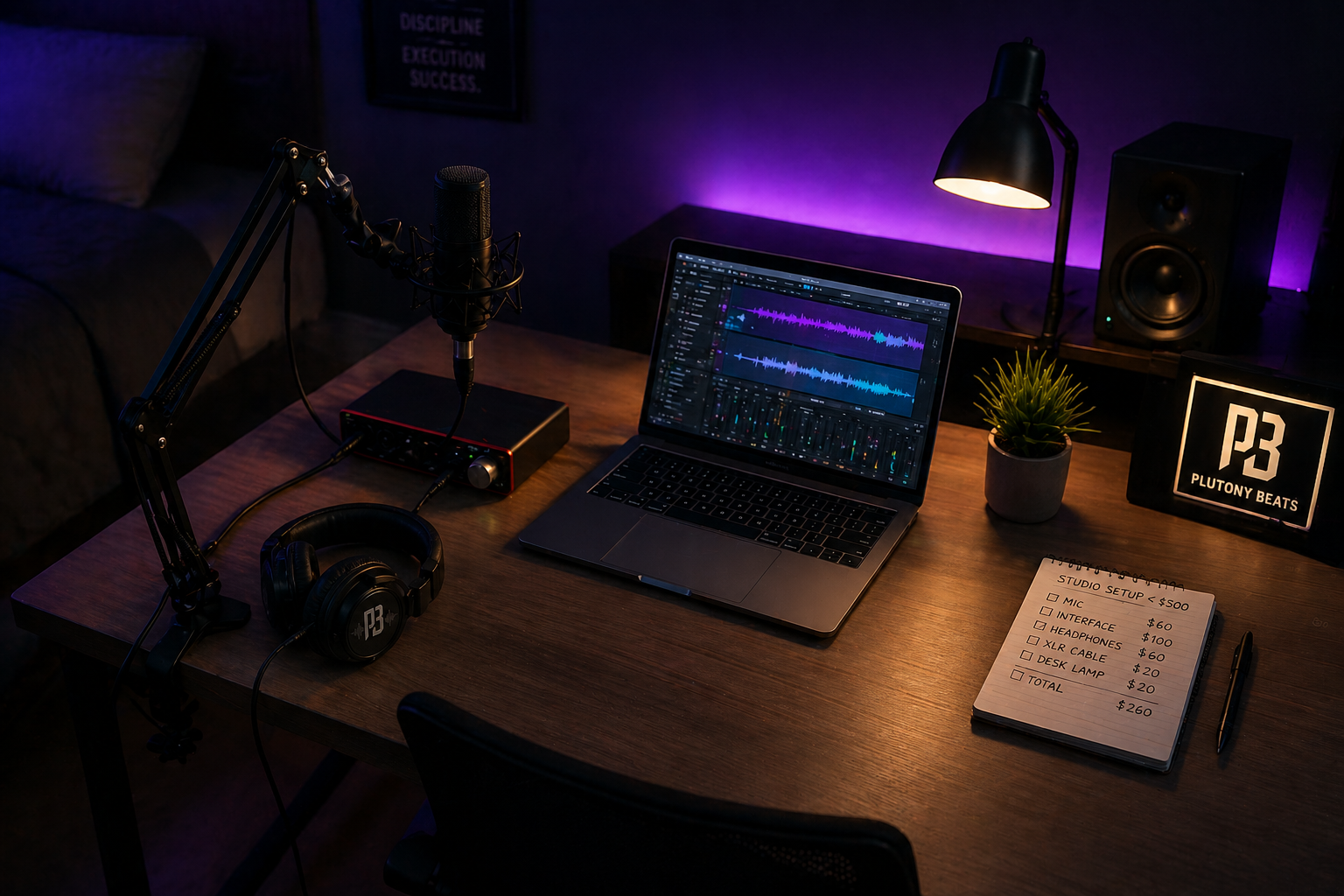
Building Your Home Studio Under $500
Home studio setup cheap: the exact gear, DAW, and acoustic treatment you need to record professional vocals for under $500.